Localization
Mainsail uses vue-i18n for localization. All locale files are
stored as JSON in the src/locales/ directory. New strings must always be added to en.json first, with keys sorted
alphabetically (enforced by ESLint/Prettier).
Translate via Weblate
The easiest way to contribute translations is through Weblate, a web-based translation tool with tight version control integration. It features a clean user interface, propagation of translations across components, and quality checks.
No local setup is required — simply sign in and start translating.
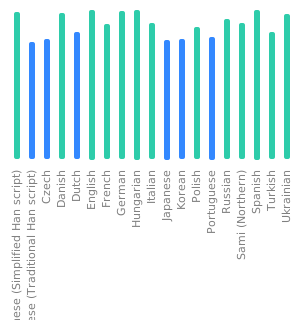
Translation Status
Alternative Methods
You can also create or update translations locally using:
- An i18n translation tool such as BabelEdit or i18N-Manager
- i18n Ally extension for VSCode
Once your translation is ready, submit it as a pull request.
Validate Translations
Mainsail includes vue-i18n-extract to check translation files for missing or unused entries:
Test Translations Locally
To verify your translations in the browser, follow the Development Setup guide to start Mainsail locally. Once the development server is running, you can switch the language in the Interface Settings under General to see your changes live.
Guidelines for Developers
All user-facing text in the codebase must use $t() for localization — no hardcoded strings. When adding new UI text:
- Add the key to
en.jsonfirst. - Place it in alphabetical order within the appropriate section.
- Use the key in your component via
$t('Section.YourNewKey').