Logos and Icons
Replace the default Mainsail logo and browser favicons with your own. Customizing these elements helps identify your printers, especially when managing multiple machines.
Upload your files to the .theme folder using the file manager on the Machine page.
Sidebar Logo
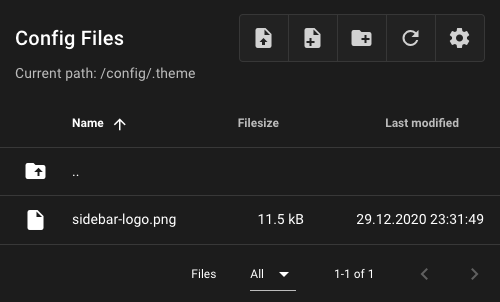
To replace the sidebar logo, place an image named sidebar-logo in your .theme folder.
| Property | Value |
|---|---|
| Filename | sidebar-logo |
| Valid extensions | .svg, .jpg, .png, .gif |
Dynamic SVG Colors
If you use an SVG file, you can use var(--color-logo, #000000) as the fill color.
This allows the logo to automatically use the logo color from the Interface Settings.
Favicons
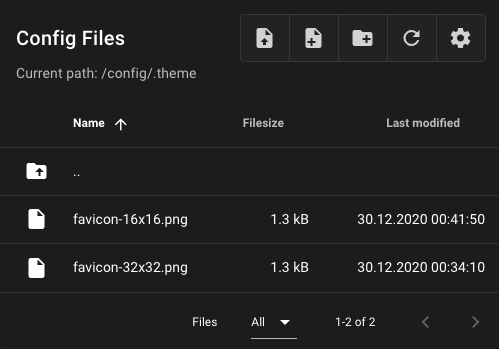
To replace the browser favicon, place PNG images named favicon-32x32.png (required) and
optionally favicon-16x16.png in your .theme folder.
| Property | Value |
|---|---|
| Filename | favicon-32x32.png (required) |
favicon-16x16.png (optional) |
|
| Valid extensions | .png |
| Recommended size | 32x32 px, 16x16 px |
Browser Cache
After uploading new favicons, you may need to clear your browser cache to see the
changes. Press Ctrl+Shift+F5 on Windows/Linux or Cmd+Shift+R on macOS.