Heightmap Settings
Open the Interface Settings by clicking the cogs icon in the top-right corner, then navigate to Heightmap.
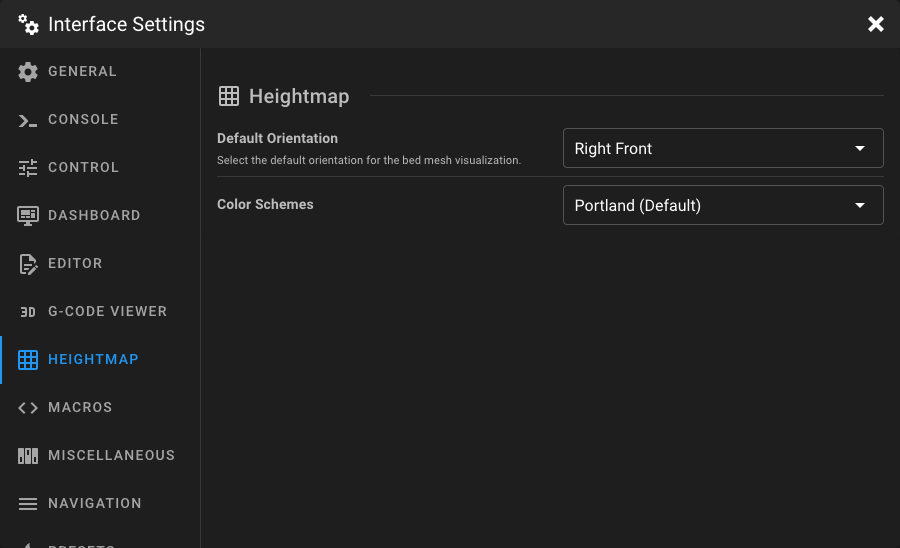
Default Orientation
Select the default viewing angle for the bed mesh visualization.
| Option | Description |
|---|---|
| Right Front | View the mesh from the right-front corner. |
| Left Front | View the mesh from the left-front corner. |
| Front | View the mesh straight from the front. |
| Top | View the mesh from directly above (top-down). |
Color Scheme
Choose the color scheme used to visualize height differences in the bed mesh.
| Option | Description |
|---|---|
| Portland (default) | Blue-to-red gradient — blue for low areas, red for high areas. |
| Spring | Magenta-to-yellow gradient. |
| Hot | Black through red and yellow to white. |
| HSV | Full hue spectrum (rainbow). |
| Grayscale | Black-to-white gradient. |