Printers Settings
Open the Interface Settings by clicking the cogs icon in the top-right corner, then navigate to Printers.
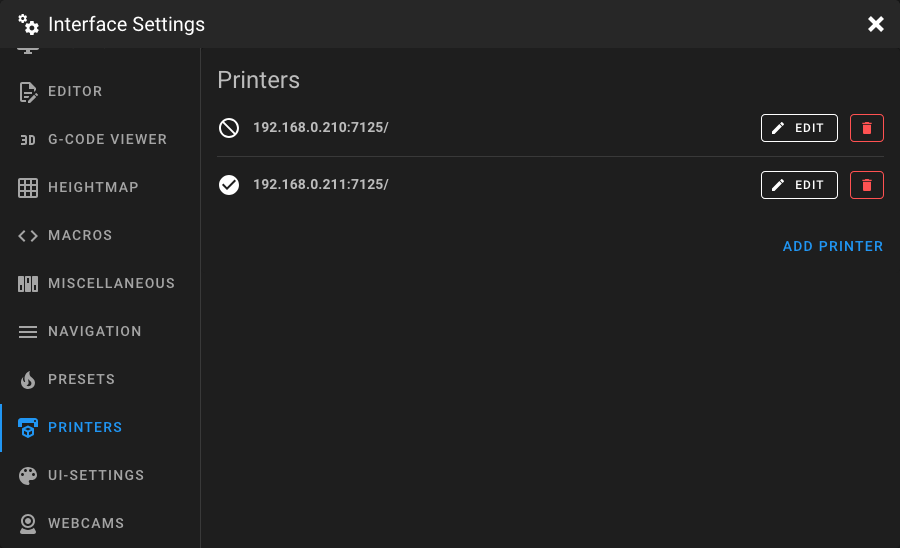
This page lets you manage remote printers. Adding multiple printers enables you to switch between Klipper instances directly from the Mainsail interface and use the print farm overview.
Adding a Printer
Click Add Printer to open the printer form and enter the connection details.
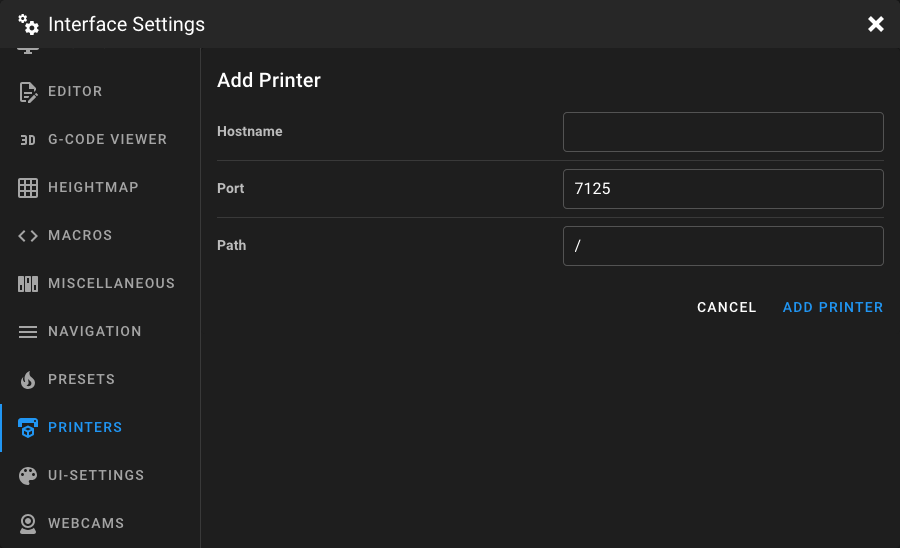
Hostname
The hostname or IP address of the remote printer's Moonraker instance. Do not include the
protocol prefix (http:// or https://).
Examples: 192.168.1.100, my-printer.local
Port
The port number of the Moonraker instance. The default Moonraker port is 7125.
Path
The URL path prefix for the Moonraker instance. Must start with /. The default is /.
This is useful when Moonraker is served behind a reverse proxy under a subpath, for example /printer1.
Editing a Printer
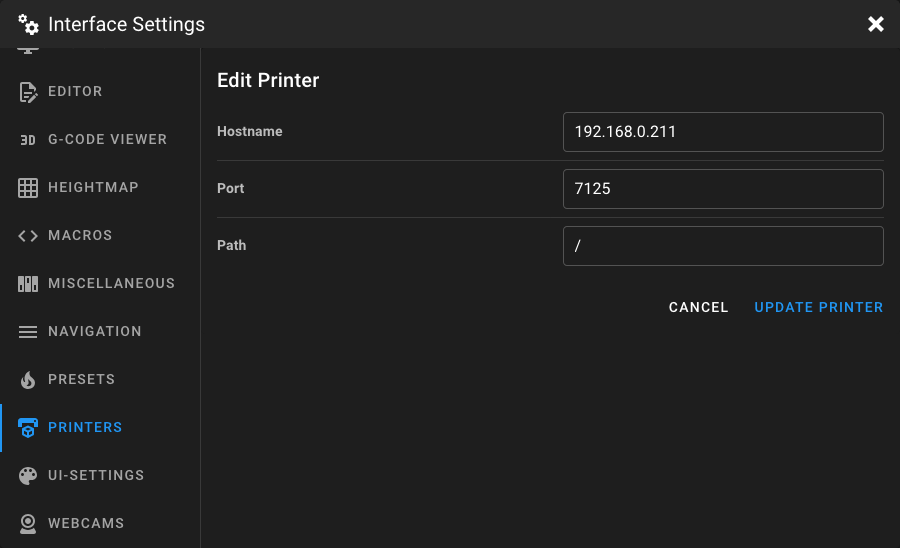
Click the Edit button next to a printer to modify its connection details.
Deleting a Printer
Click the delete button next to a printer to remove it from the list.